
Rubric-based grading
Evaluate against the criteria that belong to the assignment.

Rubrix Co-grader brings rubric-based grading, reusable feedback, and academic-integrity tools directly into Microsoft Word, while keeping every final decision in the educator's hands.
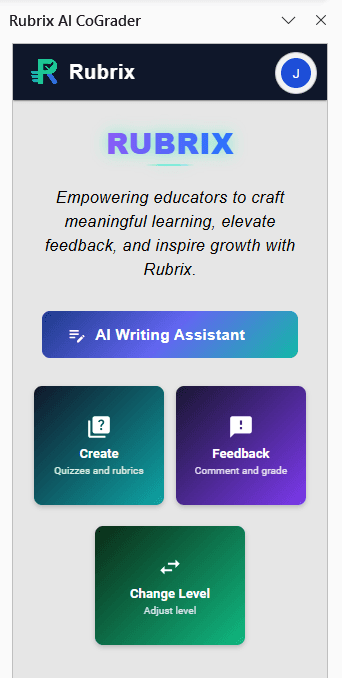
Work with the document already open in Microsoft Word.
Upload a rubric, enter grading criteria, or reuse a saved project.
Request a draft grade and feedback, then revise before inserting anything.
Place comments in the document and keep the final grading decision.
Save grading projects with the rubric, grading style, and comments you use for a course or assignment. Return later and pick up with the same expectations already in place.
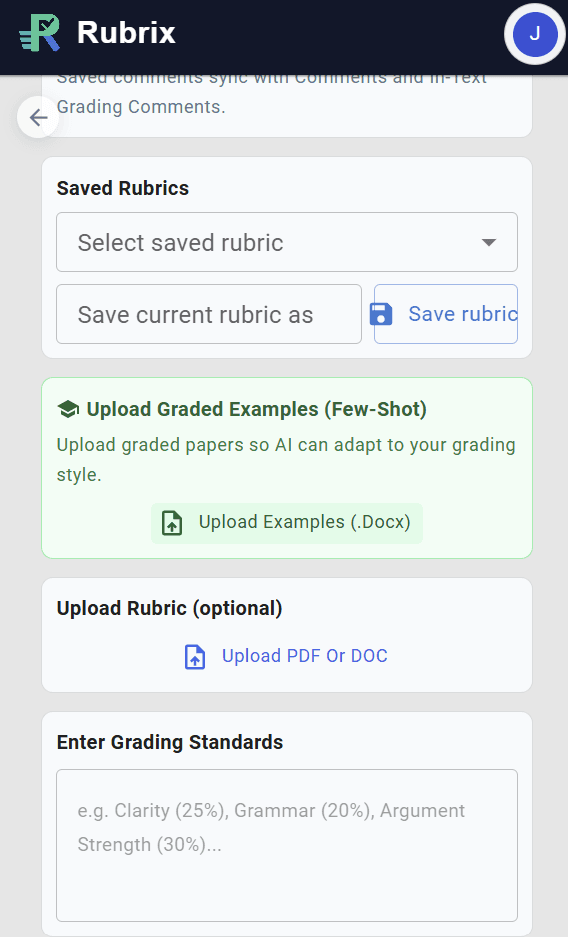
Set the academic level, grading toughness, tone, and feedback emphasis before generating a response. The tool adapts to your instructions and leaves the final call with you.
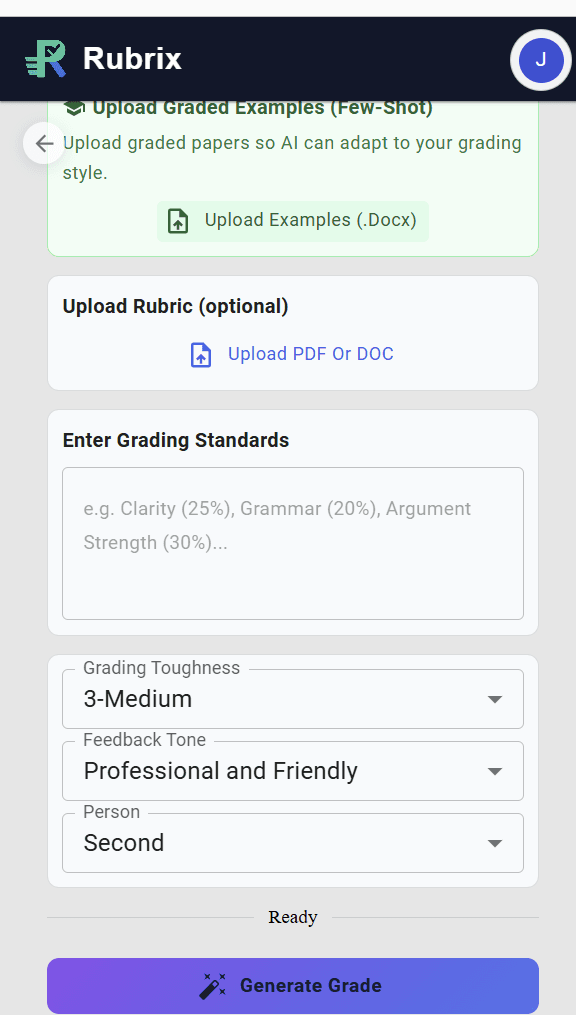
Evaluate against the criteria that belong to the assignment.
Place feedback in the format that best fits the moment.
Use additional academic-integrity checks on eligible plans.
Beta participants can help shape the workflow before Rubrix Co-grader's wider release.
Co-grader processes the active document, selected text, uploaded rubrics, and graded examples only when you request a feature that needs them. AI-generated grades and comments remain subject to educator review.
Use AI Comments or Create and Save Your Own Comments
Use the AI generated in-line comments in conjunction with your own comments that you can save for later use under each grading project. Organize the ones you use most, and insert them into the body of the paper or the Word comments pane at the selected passage.